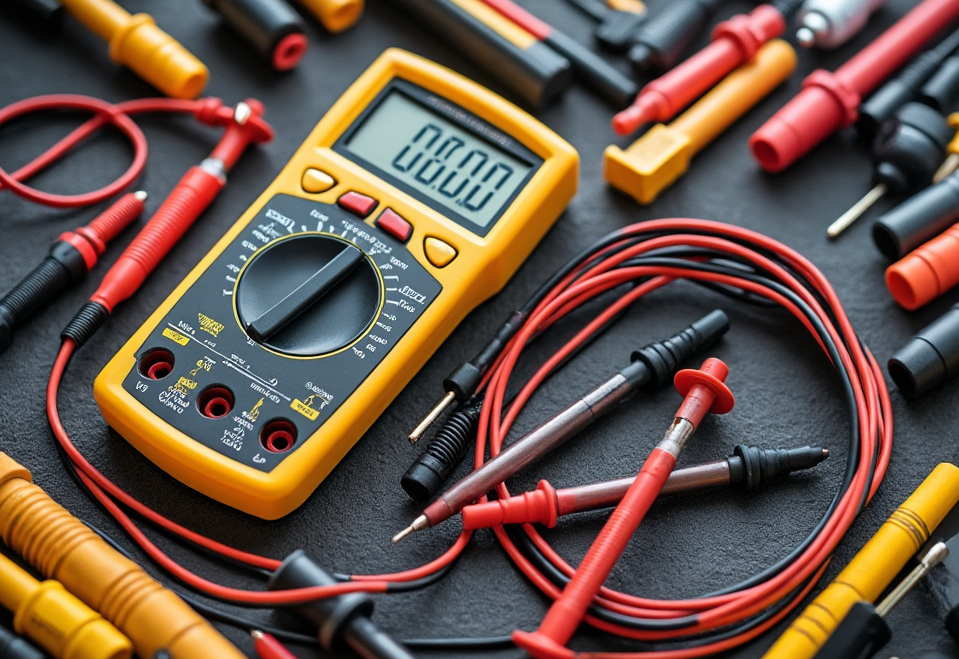
Electricity is everywhere. It powers our homes, gadgets, even our cars. But when people talk about electricity, they often mean current electricity. This dynamic flow of electric charge keeps our modern world moving. But what exactly is it, and how does it work? Let's break it down into simple terms and explore this fascinating phenomenon.
What Is Current Electricity?
Current electricity refers to the flow of electric charge through a conductor. Imagine a river flowing through a valley; just like water, electricity moves from one place to another. This flow happens because of differences in electric potential, similar to how water flows downhill due to gravity. The primary drivers are voltage, current, and resistance.
Key Terms to Know
- Voltage: Think of it like electric pressure. It pushes the electrons through a circuit.
- Current: The flow of electrons, measured in amperes (amps). Picture it as the amount of water flowing through a hose.
- Resistance: The opposition to the flow, measured in ohms. It’s like a kink in the hose that slows down the water.
Types of Current
Just like there's more than one type of water flow (rivers and streams, for example), there's more than one type of current. The two main types are direct current (DC) and alternating current (AC).
Direct Current (DC)
DC is a one-way street. Electrons flow steadily in one direction, like cars on a highway. Batteries provide DC, which is great for devices needing a stable and constant voltage. Think of flashlights or remote controls.
Alternating Current (AC)
AC changes direction periodically. Imagine a car that swaps directions every so often. Household power outlets supply AC, which is why the grid can efficiently deliver electricity over long distances.
How Current Electricity Powers Our Lives
Electricity isn't just a science experiment; it’s everyday life. Here’s how it powers so many aspects of our existence.
Lighting Up Our World
From streetlights to nightlights, electric current transforms the dark into light. When electricity flows through a light bulb, it heats up the filament, producing light in the process. This concept has revolutionized how we live, extending our productive hours well into the night.
Powering Our Devices
Whether it's your smartphone or your refrigerator, electric current is behind every charge. When you plug an electronic device into an outlet, current flows through its circuits, fueling its operation. Without current electricity, our favorite gadgets and home essentials would be paperweights.
Making Transportation Possible
The automotive industry has been revolutionized by electricity. Electric cars run on batteries powered by current electricity. In these cars, batteries discharge DC to operate motors that propel the vehicle. This shift significantly reduces reliance on fossil fuels and lowers emissions, driving us toward a sustainable future.
How Does it All Work Together?
Imagine a concert with a conductor ensuring harmony. In an electric circuit, this conductor is the wire. Here’s a basic rundown of a circuit at work:
- Power Source: Starts the flow. Could be a battery or a power station.
- Conductor: Pathway for the flow, usually copper wire.
- Load: Device that uses electricity, like a lamp or a fan.
- Switch: Controls the flow. It’s your gateway to turn things on or off.
With everything in place, the electricity starts its journey, like a well-coordinated orchestra.
The Role of Switches and Circuit Breakers
Think of switches as gatekeepers, allowing or stopping electricity. They provide us control, making circuits safe and viable. Meanwhile, circuit breakers act like security guards. If something goes wrong, like a short circuit, they cut off the flow to prevent damage or fire.
The Future of Electricity
The energy landscape is continually shifting, with current electricity at the forefront. Innovations are transforming how we generate, store, and consume electricity. Let’s peek into some changes:
Sustainable Energy Sources
The push toward renewable energy sources like solar and wind is altering how we produce current electricity. These methods reduce reliance on fossil fuels, paving the way for eco-friendly power.
Smart Grids
Technology enables homes and cities to optimize energy use with smart grids. They act like the internet for electricity, making distribution more efficient and reducing waste. Imagine never worrying about a power outage or exorbitant bills again!
Current electricity is the heartbeat of modern life. From flipping a switch to charging a phone, its flow is vital. As technology advances, understanding and harnessing this energy becomes even more crucial. Whether you're a student, a home builder, or just curious, knowing how electricity works empowers you in today’s tech-driven world. So next time you plug in a device, remember the incredible journey of current electricity, tirelessly working behind the scenes to power your life.